
Knowing how to get unstuck in the isle evrima can save hours of survival progress when your dinosaur suddenly becomes trapped between rocks, inside terrain, or against an invisible collision barrier. One awkward jump can turn a successful survival run into a frustrating fight against the environment.
Unlike games with a guaranteed rescue button, The Isle: Evrima can make terrain-related problems difficult to resolve. The best solution depends on whether your dinosaur is physically trapped, experiencing a movement animation bug, or affected by server synchronization.
This guide covers seven recovery methods, explains when each one makes sense, and shows how to avoid making a bad situation worse. Follow https://gamefluxio.com/ !!!
Identify Why Your Dinosaur Is Stuck Before Trying to Escape
The first step in learning how to get unstuck in the isle evrima is identifying what actually prevents movement. Not every stuck dinosaur is experiencing the same problem, and repeatedly pressing movement keys can sometimes push your character into an even worse position.
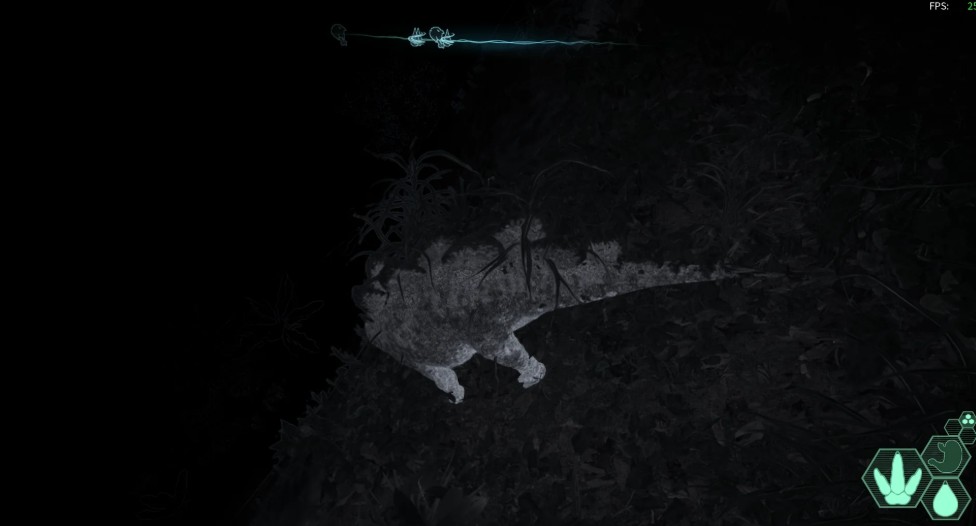
Terrain collision is one possible cause. A dinosaur may slide between two rocks, become wedged against a steep surface, or encounter an invisible boundary where the visible landscape does not match the collision geometry.
Movement animation issues are another possibility. Your dinosaur might appear to be walking or swimming while remaining in almost the same position.
Server synchronization can create similar symptoms. If your character’s displayed position differs from the server’s registered position, movement may appear inconsistent or repeatedly reset.
Use this quick diagnostic checklist:
| Symptom | Possible Cause | First Action |
| Legs move, position unchanged | Collision or synchronization | Stop and change direction |
| Trapped between rocks | Terrain geometry | Reverse and rotate |
| Floating or falling in place | Physics issue | Try a controlled movement reset |
| Stuck after swimming | Water collision or animation | Change angle toward shore |
| Position repeatedly snaps back | Network or server issue | Check connection stability |
Spend approximately 20–30 seconds observing the situation before taking aggressive action. This is a suggested troubleshooting interval, not an official game mechanic.
The goal is to determine whether you still have partial movement control. Even a small amount of movement can provide an escape route without requiring a restart.
Use Controlled Movement to Escape Rocks and Narrow Gaps
If your dinosaur is physically wedged between rocks, the safest initial approach is usually controlled movement rather than frantic jumping.
Many players searching for how to get unstuck in the isle evrima assume that holding the forward key is the fastest solution. Unfortunately, moving directly into the obstruction may keep your dinosaur pressed against the collision surface.
Start by releasing all movement controls for several seconds. Then attempt to move backward while slowly changing your facing direction.
If backward movement fails, try alternating between left and right movement inputs, depending on your dinosaur’s available controls and current orientation.
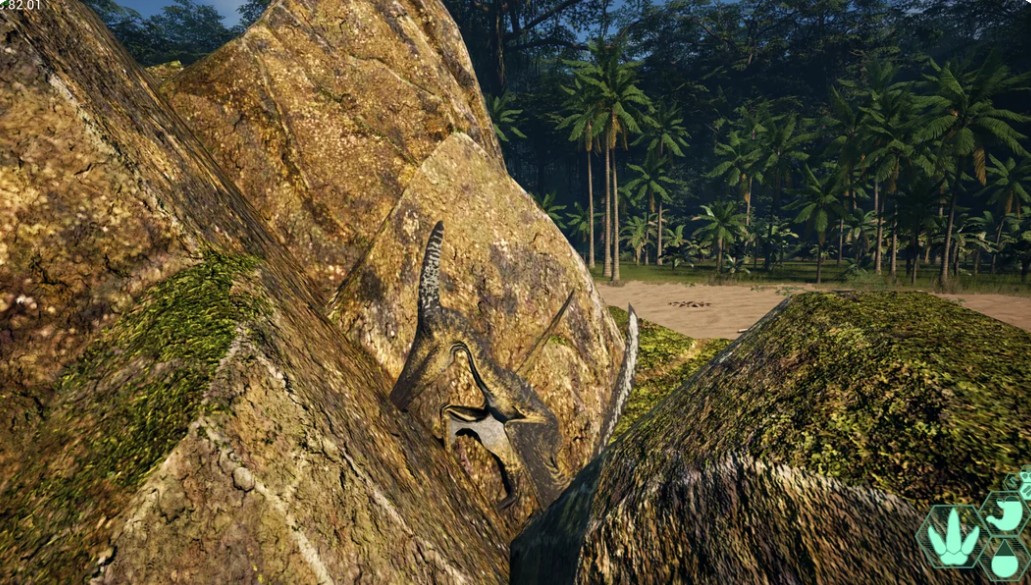
A useful troubleshooting sequence is:
- Release all controls for approximately 3 seconds.
- Attempt backward movement for 2–3 seconds.
- Rotate slightly toward the most open-looking space.
- Try a short forward movement.
- Repeat from a different angle if your position changes.
These timings are practical suggestions rather than measured game-specific requirements.
Avoid sprinting continuously while trapped. Unnecessary movement attempts may consume stamina or create additional danger if predators are nearby.
Jumping can help in some situations, but only when your selected species supports the action and there is enough space for the movement to complete.
If your dinosaur begins sliding deeper into the gap, stop immediately. A recovery attempt should increase available space, not reduce it.
When nothing changes after several careful attempts, consider a different method instead of repeating the same movement indefinitely.
Use the /unstuck Command in The Isle Evrima
The most important answer to how to get unstuck in the isle evrima is the built-in /unstuck command. Players have reported successful recoveries using this command, including a case on an official Evrima server in October 2026.
/unstuck
Enter this command into the in-game chat, not the Steam console.
To use it, follow these steps:
- Stop moving your dinosaur.
- Open the in-game chat, commonly assigned to F6 by default.
- Type /unstuck exactly as shown.
- Press Enter.
- Wait for the game to process the request.
If successful, your dinosaur should be repositioned to a nearby valid location.
However, the command has restrictions. Players report that it may fail when other dinosaurs are nearby, when no suitable solid ground is available, or when the character is still moving.
Cooldown information also varies by version and server. Older reports mention 90 minutes, while some community servers advertise different limits.
Do not assume you can use the command repeatedly without waiting.
If you receive an error, read it carefully before trying again. It may explain why the rescue failed.
For most players, this should be the first major recovery option after basic movement adjustments.
Try Relogging When Your Dinosaur Is Frozen or Glitching
Sometimes your dinosaur is not trapped by rocks at all. Instead, the game may be experiencing a temporary animation, movement, or synchronization issue.
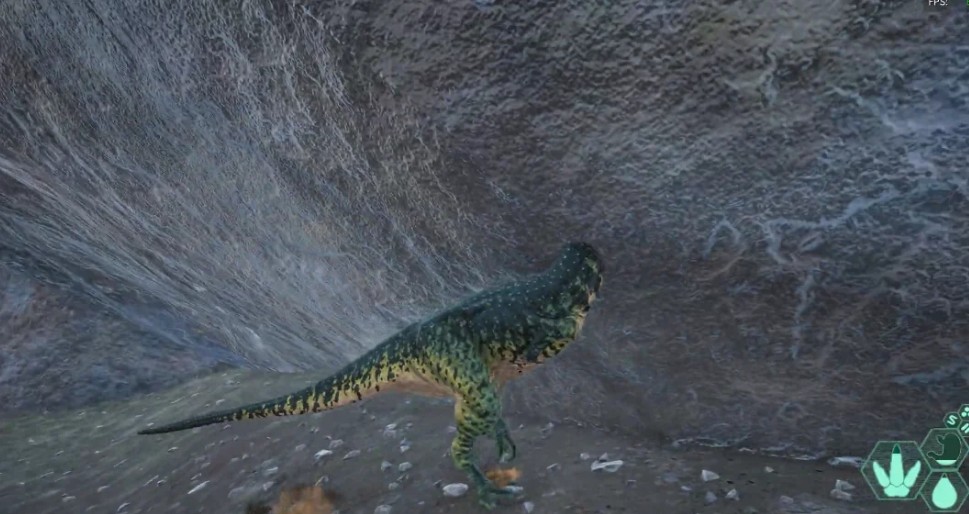
In those situations, reconnecting can be more effective than repeatedly attempting to move.
The process is relatively simple. Open the game menu, choose the normal logout option, and reconnect to the same server after the logout procedure completes.
A troubleshooting resource for Evrima identifies a full logout and reconnection as a useful remedy for several stuck animation states and gameplay interaction bugs.
However, there is an important limitation: relogging does not guarantee that a dinosaur physically embedded inside terrain will be moved somewhere safe.
Your dinosaur may reconnect at exactly the same problematic coordinates.
There is also a survival risk. Depending on the logout mechanics and circumstances, your character may remain vulnerable in the game world for a period after disconnecting.
Before logging out, consider whether predators are nearby and whether your current position provides any protection.
If the problem appears to involve lag or rubber-banding, checking your connection before reconnecting may also help.
Avoid switching to a different server expecting your dinosaur’s progression to transfer automatically. Character persistence can depend on server rules and game systems.
Use relogging primarily for frozen controls, animation problems, and suspected synchronization errors.
For genuine terrain entrapment, the /unstuck command or administrator assistance is generally a more targeted solution.
>>> Read More: How to Get Saltwater Mutation The Isle Evrima
Recover From Water, Slopes, and Animation Glitches
Water-related movement problems require a different approach from getting trapped between solid objects.
A dinosaur that appears frozen while swimming may be experiencing an animation issue, collision problem, or temporary synchronization failure.
Begin by checking whether the character responds to directional inputs. If some movement remains possible, turn toward an accessible shoreline rather than pushing directly against a steep bank.
Try approaching the shore from a slightly different angle. An area that looks climbable may have collision geometry that prevents your dinosaur from leaving the water.
For movement-state problems, changing between available actions may help reset the animation. However, actions differ between species, so there is no universal button combination that works for every dinosaur.
The same principle applies to steep slopes. Avoid repeatedly sprinting uphill when your character cannot gain traction.
Instead, look for a gentler angle or attempt to move sideways toward flatter terrain.
If you are trapped underneath the map, ordinary movement techniques may be ineffective. The game might not recognize a valid recovery destination.
That is when the unstuck command becomes particularly important, although even that command may fail if the server cannot identify suitable nearby ground.
Be cautious about intentionally taking fall damage to escape. A successful movement reset is not useful if it kills your dinosaur.
If your character is completely immobilized, prioritize a controlled recovery over risky experiments.
Ask Server Administrators for Help
When every standard recovery method fails, server administrators may be your best remaining option.
This is especially relevant on community servers with active moderation teams and dedicated Discord support channels.
Some administrators can investigate character locations or use server-management tools to assist trapped players. However, the availability of teleportation or recovery assistance depends on server permissions and policies.
When requesting help, provide clear information rather than simply saying your dinosaur is stuck.
Useful details include your server name, dinosaur species, approximate map coordinates, the type of terrain involved, and the troubleshooting steps you’ve already attempted.
For example, explain whether your dinosaur is trapped inside a rock, beneath the landscape, or in a movement animation loop.
A screenshot can make the problem easier to understand, particularly if the visible terrain does not match your character’s actual collision position.
Be respectful of administrator response times. Community moderation is often handled by volunteers, and immediate assistance is not guaranteed.
Official servers may have different support procedures, so check the relevant community announcements before contacting moderators.
If no administrator is available, consider logging out safely rather than leaving the character exposed while waiting.
Avoid using third-party teleportation tools or unauthorized modifications. These can violate server rules and potentially compromise your account.
Administrator assistance should be treated as a legitimate recovery channel, not a way to bypass normal survival mechanics.
Prevent Getting Stuck Again and Protect Your Progress
Once you’ve escaped, the next challenge is avoiding the same mistake.
Terrain awareness is an underrated survival skill in The Isle: Evrima. Players naturally focus on predators, hunger, hydration, and combat, but environmental hazards can be equally frustrating.
The safest habit is to evaluate narrow spaces before entering them, particularly when controlling a growing dinosaur.
A small juvenile may fit through a gap that becomes difficult to navigate after reaching a larger growth stage.
Avoid squeezing into tight rock formations unless you have a clear exit route.
When exploring cliffs, prioritize paths with visible ground continuity rather than attempting shortcuts over irregular surfaces.
Water crossings deserve similar caution. Before entering, identify a shoreline that appears accessible from the opposite side.
You can also reduce unnecessary risk by managing stamina. Entering difficult terrain with little stamina available leaves fewer options if you need to reposition quickly.
For players who frequently explore unfamiliar areas, remembering problematic locations can be surprisingly valuable.
Consider recording coordinates or taking screenshots when you encounter a terrain collision issue. This information may help you avoid the same location and report reproducible bugs.
Finally, remember that no survival strategy eliminates every technical problem. Even careful players can encounter unexpected collision bugs.
The goal is not perfect prevention. It is reducing unnecessary risks while keeping reliable recovery options available.
Final Verdict: The Best Way to Get Unstuck in The Isle Evrima
If you’re still wondering how to get unstuck in the isle evrima, the most practical solution is to use /unstuck after stopping movement and checking your surroundings.
For minor terrain problems, controlled backward movement and changing direction may be enough. For animation or synchronization issues, reconnecting can sometimes help.
When the command fails, check for nearby players, unsuitable ground, or cooldown restrictions before contacting a server administrator.
Above all, avoid sacrificing a valuable dinosaur through unnecessary jumping, dangerous falls, or repeated movement attempts.
The Isle: Evrima rewards patience, and sometimes surviving the environment requires just as much care as surviving another predator.
>>> Click The Isle Skin Codes 2026 – Dinosaur Skins, Evrima Customization & Color Codes
Keywords: The Isle Evrima unstuck command, The Isle Evrima stuck in rocks, Evrima terrain glitch, The Isle Evrima stuck in water, Evrima dinosaur stuck, how to escape rocks in Evrima, The Isle Evrima movement bug, Evrima admin unstuck, The Isle Evrima relog fix.
