
Searching for how to update iPhone X to iOS 18 usually means you want newer features without replacing a phone that still works. Unfortunately, Apple’s 2017 iPhone X does not support iOS 18, and there is no official installation method. However, you can still update its supported software, improve everyday performance, and explore safer alternatives. Here’s what you need to know before attempting an upgrade. Follow Gamefluxio !!!
Can You Update iPhone X to iOS 18?
The iPhone X was introduced in September 2017 with Apple’s A11 Bionic processor. Although it was a groundbreaking device featuring Face ID and an edge-to-edge OLED display, its official major iOS upgrade path ended with iOS 16.
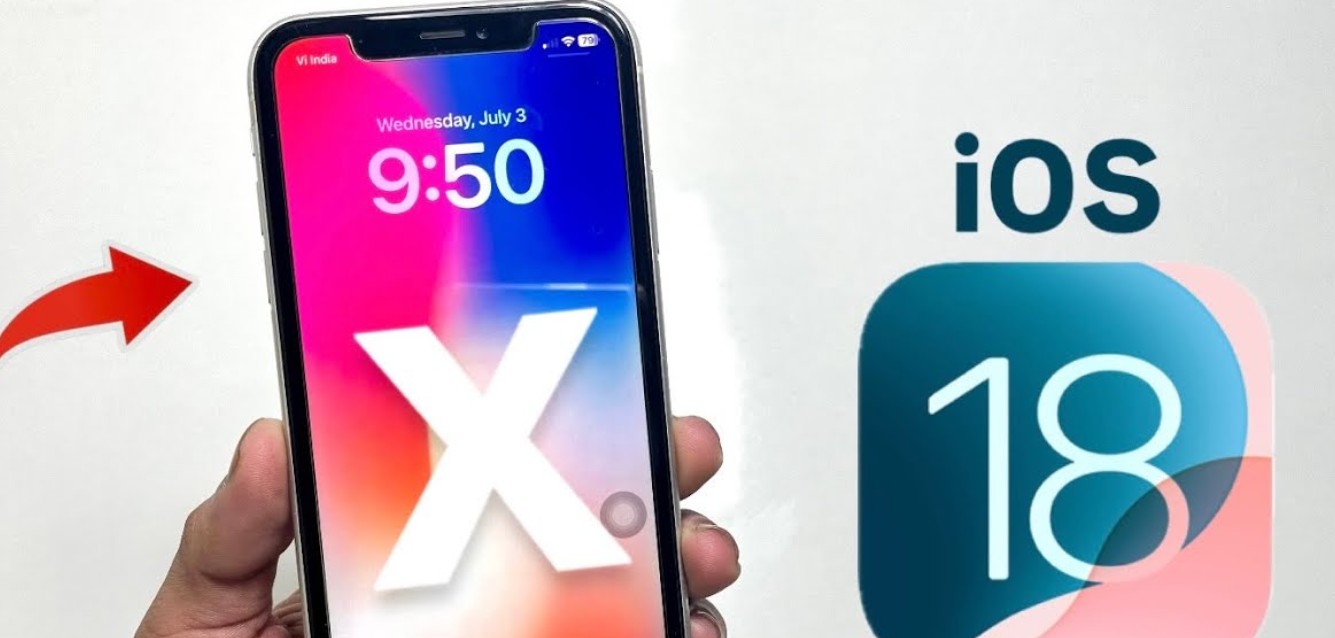
Apple released iOS 18 in September 2024, but the update requires an iPhone XS, iPhone XS Max, iPhone XR, or a newer compatible model.
That means the original iPhone X cannot download or install iOS 18 through Settings, Finder, Apple Devices, or iTunes.
The compatibility difference is not simply a storage issue. Apple’s firmware is designed for specific hardware models, and unsupported devices cannot install it through normal software update procedures.
For users asking how to update iPhone X to iOS 18, the direct answer is that an official upgrade is impossible.
However, this does not mean your phone is completely unusable. Apple has continued distributing certain security updates for older iOS branches, and many everyday applications may still work on iOS 16.
The most practical solution is to install the latest compatible update offered for your device and consider upgrading hardware only when newer applications or features become essential.
How to Update iPhone X to the Latest Supported iOS Version
Although iOS 18 is unavailable, keeping your iPhone X updated is still important for security and stability.
As of October 2026, Apple has published iOS 16.7.16 for the iPhone X, released on May 11, 2026. This is the latest iPhone X security update confirmed in the release records reviewed.
Apple Support
Before updating, connect your iPhone to a reliable Wi-Fi network and make sure the battery is sufficiently charged. Keeping it connected to a charger is advisable.
Follow these steps:
- Open Settings on your iPhone X.
- Select General.
- Tap Software Update.
- Wait while the device checks for available updates.
- If a compatible iOS 16 update appears, tap Download and Install or Update Now.
- Enter your passcode if requested.
- Allow the installation to finish without interrupting the device.
The update process may take several minutes or longer, depending on download speed, available storage, and device condition.
Before proceeding, create a backup using iCloud or a computer. A backup protects your photos, messages, and important information if something goes wrong.
If no update appears, your device may already be running the latest version available to it.
Remember that installing iOS 16.7.16 does not enable iOS 18 features.
When researching how to update iPhone X to iOS 18, the safest recommendation is to use Apple’s official update system rather than downloading unofficial firmware packages.
Why Doesn’t Apple Support iOS 18 on iPhone X?
The iPhone X was an important milestone in Apple’s smartphone development. Introduced in 2017, it featured a 5.8-inch OLED display, Face ID, and the A11 Bionic processor.
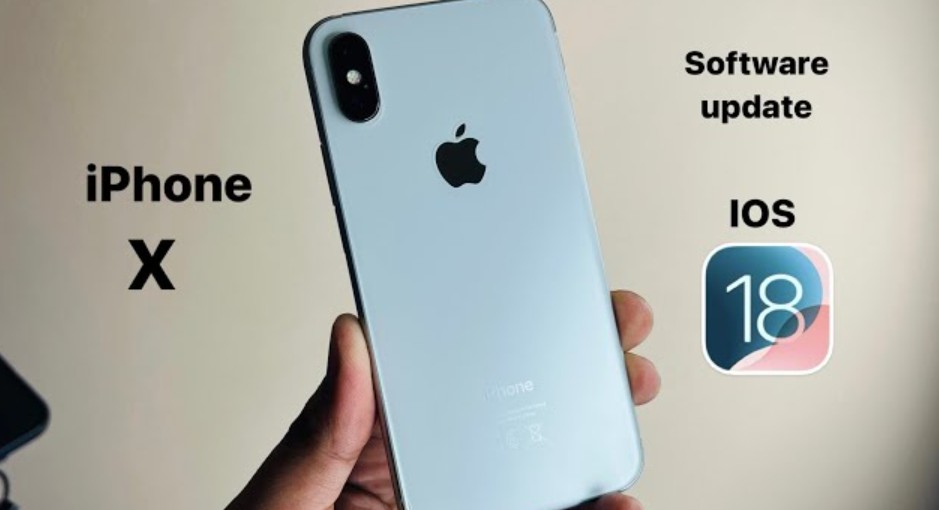
However, smartphone operating systems become more demanding as developers introduce new features, security technologies, and software frameworks.
Apple establishes compatibility requirements for each major iOS release. These requirements determine which devices can install and run the software through officially supported methods.
For iOS 18, Apple selected the iPhone XS, XS Max, XR, and newer models as compatible devices.
The original iPhone X, iPhone 8, and iPhone 8 Plus were excluded.
This does not mean that every iOS 18 feature would necessarily be impossible to implement on older hardware. Rather, Apple does not provide an officially supported iOS 18 build for those devices.
The distinction matters because operating system compatibility involves more than processing power alone.
Hardware drivers, firmware support, security requirements, and long-term software maintenance also influence compatibility.
Even newer compatible iPhones do not necessarily support every feature introduced with iOS 18. Apple Intelligence, for example, has stricter hardware requirements.
For users wondering how to update iPhone X to iOS 18, replacing the firmware file or changing the device’s reported model cannot create genuine hardware compatibility.
The practical choice is to maintain iOS 16 securely or upgrade to a supported iPhone.
Can You Install iOS 18 on iPhone X Without a Computer?
Many tutorials advertise methods for installing iOS 18 on unsupported iPhones without using a computer.
These instructions often involve downloading configuration profiles, installing third-party applications, or visiting websites that promise a special iOS 18 installation package.
Unfortunately, none of these methods provides an official way to install genuine iOS 18 on the original iPhone X.
Apple’s software update system verifies whether firmware is authorized for the specific device model.
An iOS 18 installation package intended for an iPhone XS cannot simply be installed on an iPhone X.
Some websites also promote interfaces that imitate the appearance of newer iOS versions.
For example, a theme might recreate certain icons, wallpapers, or interface elements associated with iOS 18.
However, changing the visual appearance does not upgrade the underlying operating system.
Jailbreaking is another topic frequently mentioned in discussions about unsupported iOS updates.
Although jailbreaking can modify certain software restrictions, it does not provide a reliable, officially supported method for converting an iPhone X into an iOS 18 device.
It may also introduce security risks, application compatibility problems, and device instability.
If you are searching how to update iPhone X to iOS 18 without computer, avoid websites that request payment or personal information to unlock supposed installation files.
For legitimate updates, use Settings or Apple’s supported computer-based recovery tools.
>>> Click How Much Is iPhone 18 Pro Max in USA?
How to Make iPhone X Faster Without Installing iOS 18
Even without iOS 18, the iPhone X can remain useful for everyday activities such as messaging, browsing, music streaming, and lightweight gaming.
However, a device released in 2017 may experience reduced performance because of battery aging, limited storage, or increasingly demanding applications.
One of the first things worth checking is battery health.
Navigate to Settings > Battery > Battery Health & Charging and review the available information.
If the battery is significantly degraded, replacing it through a qualified service provider may improve reliability and, in certain circumstances, performance.
Storage management is another useful improvement.
Open Settings > General > iPhone Storage to identify large applications, downloaded videos, and unnecessary files.
The iPhone X was sold with 64GB and 256GB storage configurations. On the 64GB model, maintaining adequate free space can be particularly challenging.
Consider removing unused applications, transferring photographs to secure storage, and deleting unnecessary downloads.
For mobile gaming, reduce graphics settings when games struggle to maintain smooth performance.
Closing unnecessary background activities may also help in specific situations, although routinely force-closing every application is generally unnecessary.
Restarting the device occasionally can resolve temporary software issues.
If you’re investigating how to update iPhone X to iOS 18 primarily because your phone feels slow, these maintenance steps may address some of the underlying problems without requiring an unsupported update.
Which iPhones Support iOS 18 and Should You Upgrade?
If iOS 18 features are essential, upgrading to a compatible device is the most reliable solution.
Apple’s iOS 18 compatibility list begins with the iPhone XS, iPhone XS Max, and iPhone XR, all introduced in 2018.
Later models, including the iPhone 11, iPhone 12, iPhone 13, iPhone 14, iPhone 15, and iPhone 16 families, also support iOS 18.
However, compatibility with iOS 18 does not necessarily make an older model the best purchase in 2026.
For example, the iPhone XS and XR can run iOS 18, but they do not support iOS 26.
The iPhone 11 and newer compatible models offer a longer major-version upgrade path, although their future support periods vary.
Here is a simplified comparison:
| iPhone model | iOS 18 support | iOS 26 support |
| iPhone X | No | No |
| iPhone XS / XS Max | Yes | No |
| iPhone XR | Yes | No |
| iPhone 11 series | Yes | Yes |
| iPhone 12 series | Yes | Yes |
| iPhone 13 series | Yes | Yes |
| iPhone 14 series | Yes | Yes |
| iPhone 15 series | Yes | Yes |
For someone researching how to update iPhone X to iOS 18, buying an iPhone 11 or newer is generally a more practical long-term strategy than purchasing another device already excluded from the latest major iOS release.
If your budget allows, a newer model offers additional improvements in battery efficiency, camera quality, processing power, and application compatibility.
Frequently Asked Questions About Updating iPhone X to iOS 18
Can iPhone X run iOS 18?
No. The original iPhone X does not officially support iOS 18. Apple’s compatibility list begins with the iPhone XS, XS Max, and XR.
What is the latest iOS version for iPhone X in 2026?
The latest confirmed update is iOS 16.7.16, released on May 11, 2026. It is a security update rather than a new major iOS version.
Can I download iOS 18 for iPhone X using an IPSW file?
No. Downloading an iOS 18 IPSW file does not make it compatible with the iPhone X. Apple’s firmware installation process checks device compatibility and authorization.
Can jailbreaking help install iOS 18 on iPhone X?
Jailbreaking does not provide a verified, officially supported way to install genuine iOS 18 on the original iPhone X. It can also create security and stability problems.
Why is iOS 18 not showing in Software Update?
Because the iPhone X is unsupported. The Software Update interface only offers compatible updates approved for your device.
Is iPhone X still usable in 2026?
Yes, for many basic tasks. However, application compatibility, battery condition, and security support should be considered when deciding whether to continue using it.
Final Verdict: Can You Really Update iPhone X to iOS 18?
The answer to how to update iPhone X to iOS 18 is straightforward: there is no official installation method because the original iPhone X is not compatible with iOS 18.
Its final supported major operating system is iOS 16, with security updates continuing into 2026.
If you want to keep using your iPhone X, install the latest compatible update, maintain sufficient storage, and monitor battery health.
Avoid unofficial downloads promising to install iOS 18 on unsupported hardware.
For users who need newer applications, improved gaming performance, or modern iOS features, upgrading to a supported iPhone is the safer and more practical long-term choice.
The iPhone X remains an important part of Apple’s smartphone history, but its hardware and software support limitations are now significant considerations for everyday use.
>>> Read: How to Find Passwords on iPhone iOS 18: View Saved Logins, Wi-Fi Passwords & Passkeys
